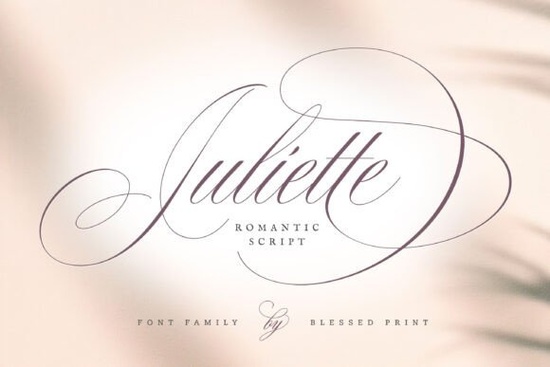
If you work on wedding invitations, branding projects, or any design that calls for refined handwriting, Juliette Font brings a classic Spencerian feel without sacrificing readability. With over 1,600 glyphs and alternates for both uppercase and lowercase letters, it gives you enough variety to handle most Juliette Font projects without switching to a second typeface.
What kind of projects work best with Juliette Font?
This script works especially well for any project that benefits from a personal, handwritten look. Wedding stationery is the obvious match think save-the-dates, ceremony programs, place cards, and thank-you notes. But it also suits elegant signage for boutiques, cafés, or event spaces, and it fits right into logo work for brands that want a soft, approachable identity. Print-on-demand sellers often turn to this style of script for greeting cards, wall art prints, and home decor items where the lettering carries the design. If you need something with a similar feel but a bit more playful, you might also explore the Whimsy Note collection, which leans into a more casual hand-lettered look.
How many alternates and swashes does Juliette Font include?
Juliette Script ships with more than 1,600 glyphs, which is a generous set for a single font. You get multiple alternates for every uppercase and lowercase letter, plus a good selection of swashes that attach to beginning and ending characters. This means you can avoid the “same letter, same look” problem that plagues simpler scripts. For example, if you write the word “love” three times on a wedding invitation, each instance can look slightly different by choosing a different alternate. That kind of variety matters when you are trying to make a piece feel hand-done rather than machine-set. The swashes add extra flourish to initial capitals or final letters, which helps with decorative headings and monograms.
Can you use Juliette Font for print-on-demand products?
Absolutely. POD creators need fonts that look good on physical items at various sizes, and this script holds up well on apparel, drinkware, and paper goods. The letterforms are clean enough to remain legible when printed small on a mug or a t-shirt tag, yet detailed enough to stand out on a large art print. Since the font includes so many alternates, you can create multiple product variations from the same base design just by swapping a few letters. If you are building a product line around romantic or vintage aesthetics, this font gives you a consistent voice across different items. For projects that require a bolder, more modern script, you might find the Youngboy Font a useful alternative it carries a heavier stroke with a casual, handwritten energy.
Where can I find similar script fonts for my projects?
If Juliette Script is close to what you need but you want to compare other options, Creative Fabrica carries several script families with different personalities. Barbie Font offers a retro, glamorous vibe that works well for fashion-related branding and event materials. League Spartan Font takes a different direction entirely it is a solid, geometric sans-serif that pairs nicely with scripts like Juliette when you need a contrast for headlines or body copy. Whimsy Note Font gives you a more relaxed, bouncy script that suits children’s products or casual branding. And Youngboy Font provides a rougher, marker-like feel for projects that call for a handmade edge. Testing a few against your actual layout helps you see which one matches the tone you are after.
What should you check before using Juliette Font in a commercial project?
Before you commit, look at a few practical details. First, check the license that comes with your download Creative Fabrica fonts usually include a standard commercial license, but double-check if your use case (like print-on-demand or merchandise) requires an extended license. Second, test the font at the actual sizes you plan to use. Script fonts with fine hairlines can disappear when printed too small, especially on uncoated paper or fabric. Third, try out several alternate glyphs for your key words. The font works best when you take advantage of those alternates rather than relying on the default letters. Finally, pair it with a clean sans-serif for body text or supporting elements so the script stays the hero of the design.
Quick next step: Download Juliette Font, type out a sample phrase using two or three different alternate letters, and print it at the size you intend to use. That five-minute test will tell you more than reading any description.
Explore Design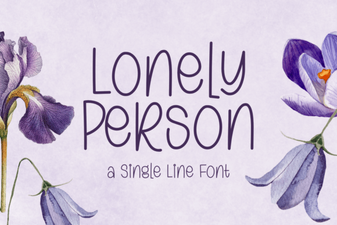 Fonts for Personal & Creative Projects
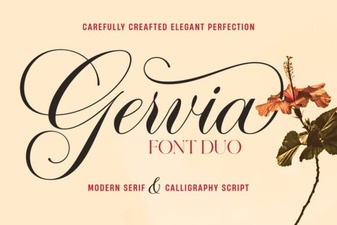 Gervia Font: a Modern Design Tool for Creatives
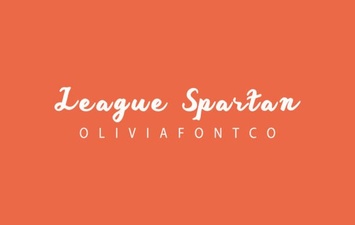 League Spartan: Modern Typography for Digital Design
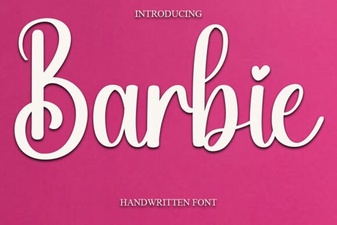 How to Use the Barbie Font in Your Designs
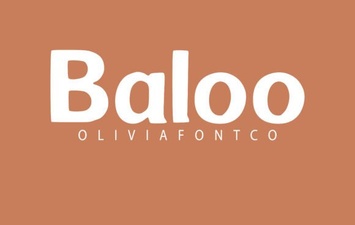 Creative Projects Using the Baloo Font
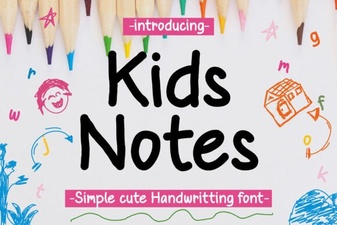 Unique Fonts for Daily Kids Journals & Projects