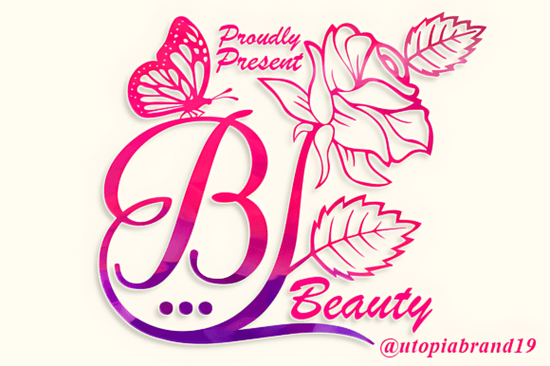
If you design wedding invitations or create content for florists and lifestyle brands, the right decorative font saves hours of layout work. The Beauty Flower Monogram font combines script lettering with floral ornaments, so you do not have to manually place decorative elements around your text.
Unlike standard scripts that only provide letters, this font includes built-in swashes and flower motifs. This means you can create a complete, intricate design using just your keyboard. Because it is PUA encoded, accessing these ornaments takes just a few clicks in your design software.
Where does an ornamental script font work best?
This specific style fits projects that need a handmade, delicate look. It is especially effective for:
- Wedding stationery: Save-the-dates, ceremony programs, and place cards.
- Branding: Logos for florists, bakeries, and beauty businesses.
- Social media quotes: Instagram posts or Pinterest pins that need a feminine, elegant header.
- Product packaging: Small batch products like candles, soaps, or premium baked goods.
If you prefer a bouncier, more playful style for similar projects, the Cute Bow Font adds a different kind of charm to gift tags and greeting cards.
Can you use this type of font for commercial products?
If you run a print-on-demand shop or a small stationery business, licensing is crucial. Fonts available through Creative Fabrica generally include a commercial license with the subscription. This allows you to use the Beauty Flower Monogram font on T-shirts, mugs, digital templates, and client branding without paying an additional fee per project. Always double check the specific license for the asset, but the standard terms are friendly to small business owners.
How do you pair a detailed font with other design elements?
Because this font carries a lot of visual weight with its ornaments, pairing it correctly prevents your design from looking too busy. Follow these basic rules:
- Use a clean sans serif for body text or secondary information. Simple fonts like Montserrat or Lato create balance.
- Keep spacing wide. Let the letters and ornaments breathe. Increase the tracking slightly when using the font for headlines.
- Limit to one decorative word. Use the font for a single name or word, then style the rest of the text plainly.
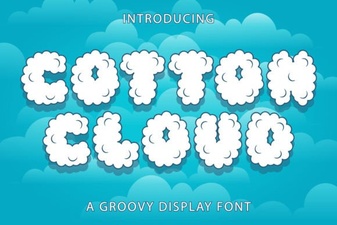
For a completely different texture, the Cotton Cloud Font offers a softer, fluffier look that works nicely for children's products or baby shower invites without sharp ornamental edges.
How do you install and access the floral ornaments?
Getting the most out of this decorative font requires accessing the ornament glyphs. Most design programs handle this the same way:
- Download the font files (usually OTF or TTF) directly from Creative Fabrica.
- Install the font on your system (Windows or Mac).
- Open your design software (Canva, Photoshop, Illustrator, or Inkscape).
- Type your text, then open the Glyphs panel (Window > Glyphs in Illustrator/Photoshop, or the Character Map on Windows).
- Double-click the floral ornaments or swashes to replace standard characters, turning a plain letter into a detailed monogram.
If you are using Canva, you can still access decorative fonts by selecting the text box and using the "Special Characters" option to find the ornaments.
What is the easiest way to test this font for your project?
Finding the perfect typeface is faster when you see it in action with your own content. You can browse the full character set and experiment with the Beauty Flower Monogram Font to see how it fits your specific brand or invitation style.
Practical next step to get started:
- Open a new document in your preferred design app.
- Type one word, like a bride's name or a brand name.
- Apply the Beauty Flower Monogram font.
- Open the Glyphs panel and swap in a floral ornament at the beginning and end of the word.
- Place a simple, thin sans serif font below it for contrast.
This simple test layout will immediately show you if the font matches the mood you are trying to create.
Download Now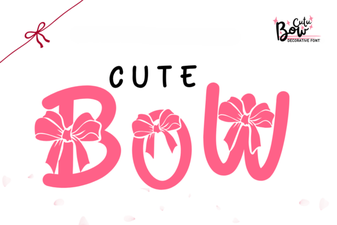 Creative Font Ideas: Using Cute Bow Letters
 A Soft, Modern Font for Your Creative Projects
 Distinctive Black Male Typefaces for Your Designs
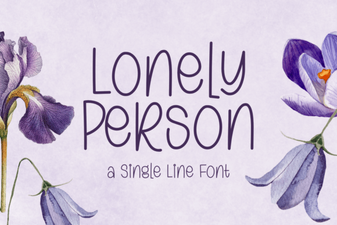 Fonts for Personal & Creative Projects
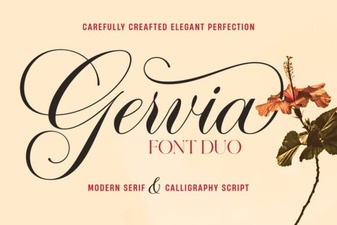 Gervia Font: a Modern Design Tool for Creatives
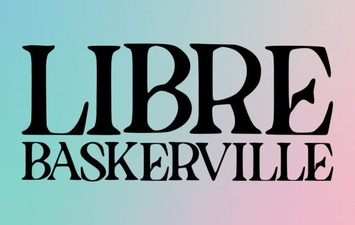 Libre Baskerville Font: Elegance for Modern Design